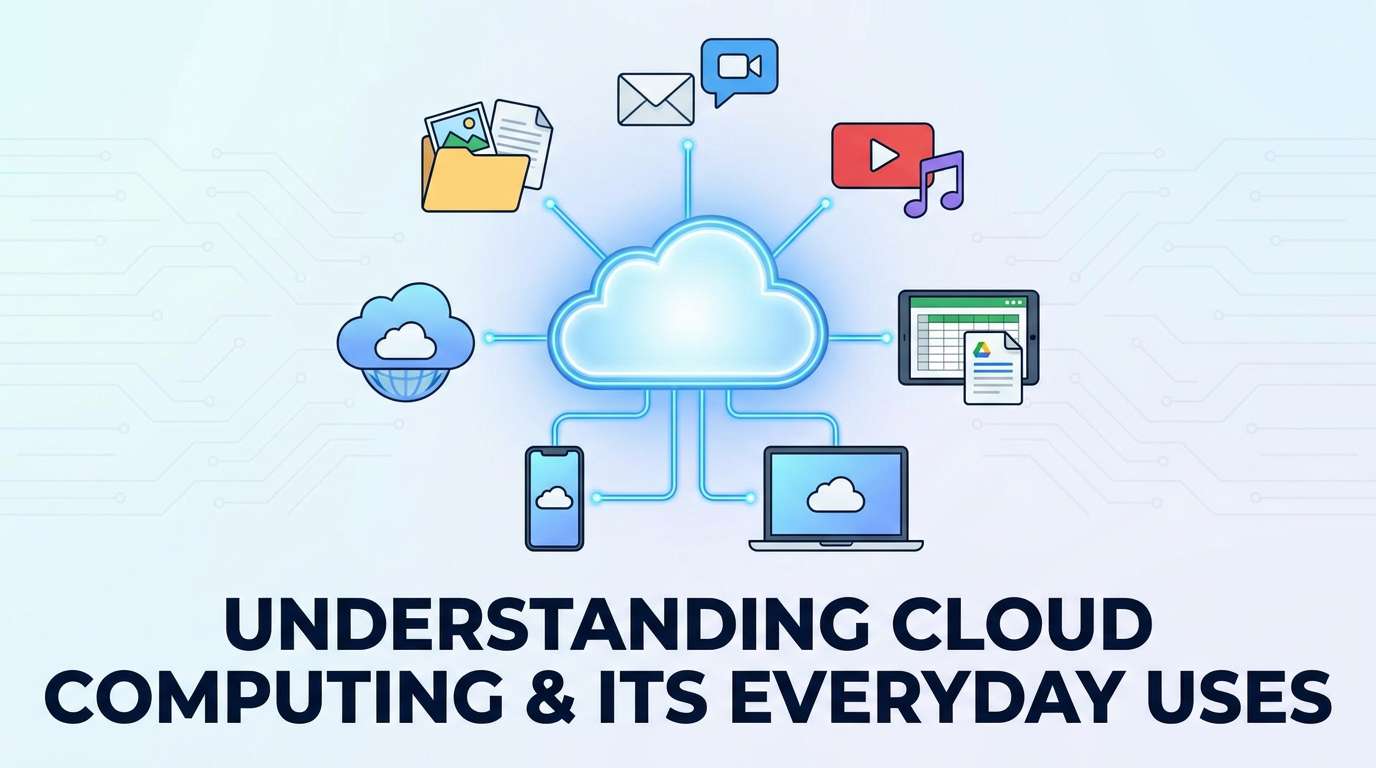
Understanding Cloud Computing and Its Everyday Uses
Introduction
When you save a photo to Google Photos, watch a video on YouTube, or submit an assignment through an online school portal, you are almost certainly using cloud computing, whether you realize it or not. Despite the somewhat mysterious-sounding name, the "cloud" is not some vague, undefined digital mist — it refers to something quite concrete: powerful computers, located in data centres around the world, that store data and run software on your behalf, accessible over the internet from virtually anywhere.
This article explains cloud computing clearly and practically — what it actually is, the different forms it takes, and the many everyday ways students already rely on it, often without recognizing the technology at work behind the scenes.
What Is Cloud Computing?
Cloud computing refers to the delivery of computing services — including data storage, processing power, and software applications — over the internet, hosted on remote servers maintained by a service provider, rather than being stored or processed entirely on your own local device.
In simpler terms: instead of saving a file only on your own computer's hard drive, or running software only using your own device's processing power, cloud computing allows you to store that file, or run that software, on someone else's powerful, remote computers, accessing it whenever needed through an internet connection.
The Data Centre: Where "The Cloud" Actually Lives
Behind every cloud service lies a physical data centre — a large facility containing thousands of powerful servers, along with extensive cooling systems, backup power supplies, and security measures, all working together to store data and run software reliably at an enormous scale. Major technology companies operate data centres in numerous locations around the world, allowing them to serve users across different regions efficiently and to maintain reliable backups of important data across multiple physical locations.
Local Storage vs. Cloud Storage
| Feature | Local Storage | Cloud Storage |
|---|---|---|
| Where data is stored | Directly on your own device | On remote servers, accessed via the internet |
| Access from other devices | Limited to the specific device storing the data | Accessible from any device with an internet connection and appropriate login |
| Risk if device is lost or damaged | Data may be permanently lost | Data typically remains safe on remote servers |
| Dependence on internet access | Not required to access stored data | Generally required to access or sync stored data |
Types of Cloud Computing Services
Cloud computing services are commonly organized into three broad categories, depending on exactly what is being provided to the user.
Software as a Service (SaaS)
SaaS refers to ready-to-use software applications delivered over the internet, without requiring the user to install or maintain the underlying software themselves. Common examples include email services, cloud-based word processors, and streaming platforms, where the software runs entirely on the provider's servers, accessible through a web browser or app.
Platform as a Service (PaaS)
PaaS provides developers with a ready-made platform and set of tools for building, testing, and deploying their own applications, without needing to manage the underlying hardware or infrastructure directly, allowing developers to focus specifically on writing and refining their software.
Infrastructure as a Service (IaaS)
IaaS provides fundamental computing resources, such as virtual servers, storage, and networking capacity, over the internet, allowing businesses and developers to build and run their own applications and systems on this rented infrastructure, without needing to purchase and maintain physical hardware themselves.
Everyday Uses of Cloud Computing Students Already Rely On
Cloud Storage and File Sharing
Services allowing you to store photos, documents, and other files remotely, accessible from multiple devices and easily shareable with others, represent one of the most common everyday uses of cloud computing.
Streaming Services
Video and music streaming platforms rely entirely on cloud infrastructure, storing enormous media libraries on remote servers and delivering content to your device in real time over the internet, rather than requiring you to download and store entire files locally.
Web-Based Email and Productivity Tools
Email services and cloud-based word processing or spreadsheet tools allow users to access, edit, and collaborate on documents from any device with internet access, with changes automatically saved and synced across devices.
Online Learning Platforms
Educational platforms, including quiz systems and resource libraries such as those found on platforms like Edukated, rely on cloud infrastructure to store content and user data, making it accessible to students from any device, anywhere with an internet connection.
Social Media and Messaging Apps
Social media platforms and messaging apps store user data, photos, and message histories on cloud servers, allowing seamless access and synchronization across multiple devices.
Mobile Backup Services
Many smartphones automatically back up photos, contacts, and settings to cloud storage, allowing users to recover their data even if their physical device is lost, damaged, or replaced.
The Advantages of Cloud Computing
- Accessibility, allowing users to access their data and applications from virtually any internet-connected device, rather than being limited to a single physical machine.
- Reduced local storage requirements, since large amounts of data can be stored remotely rather than consuming a device's own limited storage capacity.
- Automatic backups and reduced data loss risk, since data stored in the cloud typically remains safe even if a local device is lost, damaged, or stolen.
- Easier collaboration, allowing multiple users to access and edit shared documents or projects simultaneously, regardless of their physical location.
- Scalability for businesses, allowing organizations to easily increase or decrease their computing resources as needed, without purchasing and maintaining physical hardware themselves.
Challenges and Considerations With Cloud Computing
- Dependence on internet access, since most cloud services require a reliable internet connection to function fully, which can be a genuine limitation in areas with inconsistent connectivity.
- Data privacy and security concerns, since storing personal or sensitive data on remote servers requires trust in the provider's security measures, an important consideration connected to the broader cybersecurity topics discussed elsewhere in this syllabus.
- Ongoing subscription costs, since many cloud services, particularly for larger storage capacity or advanced features, involve recurring subscription fees.
- Data ownership and control questions, since data stored on a third-party provider's servers is, in a practical sense, subject to that provider's own terms of service and policies.
Cloud Computing and WAEC/JAMB Technology
Key examinable areas of this topic include:
- The definition of cloud computing and how it differs from local storage and processing.
- The three main types of cloud services: SaaS, PaaS, and IaaS.
- Everyday examples of cloud computing in students' own digital lives.
- The advantages and challenges associated with cloud computing.
Common Mistakes Students Make
- Describing "the cloud" as an abstract, non-physical concept. Cloud computing relies on very real, physical data centres and servers, simply located remotely rather than on the user's own device.
- Confusing SaaS, PaaS, and IaaS. SaaS provides ready-to-use software; PaaS provides a platform for building applications; IaaS provides fundamental computing infrastructure.
- Assuming cloud storage eliminates all risk of data loss. While generally more resilient than local-only storage, cloud services still depend on the continued availability and security practices of the provider.
- Overlooking the internet dependency of most cloud services, assuming cloud-stored data is always accessible regardless of connectivity.
- Assuming cloud computing is a very recent or unfamiliar technology, without recognizing how many familiar, everyday applications already rely on it extensively.
Conclusion
Cloud computing has quietly become one of the most foundational technologies underlying modern digital life, powering everything from the streaming services students use for entertainment to the online platforms they rely on for learning. Understanding what cloud computing actually is — remote data centres providing storage, processing, and software over the internet — demystifies a term that can otherwise sound abstract or overly technical.
As students continue to interact with an increasing number of cloud-based tools and services throughout their education and future careers, understanding these fundamentals provides genuine insight into how the digital services they rely on every day actually function behind the scenes.